

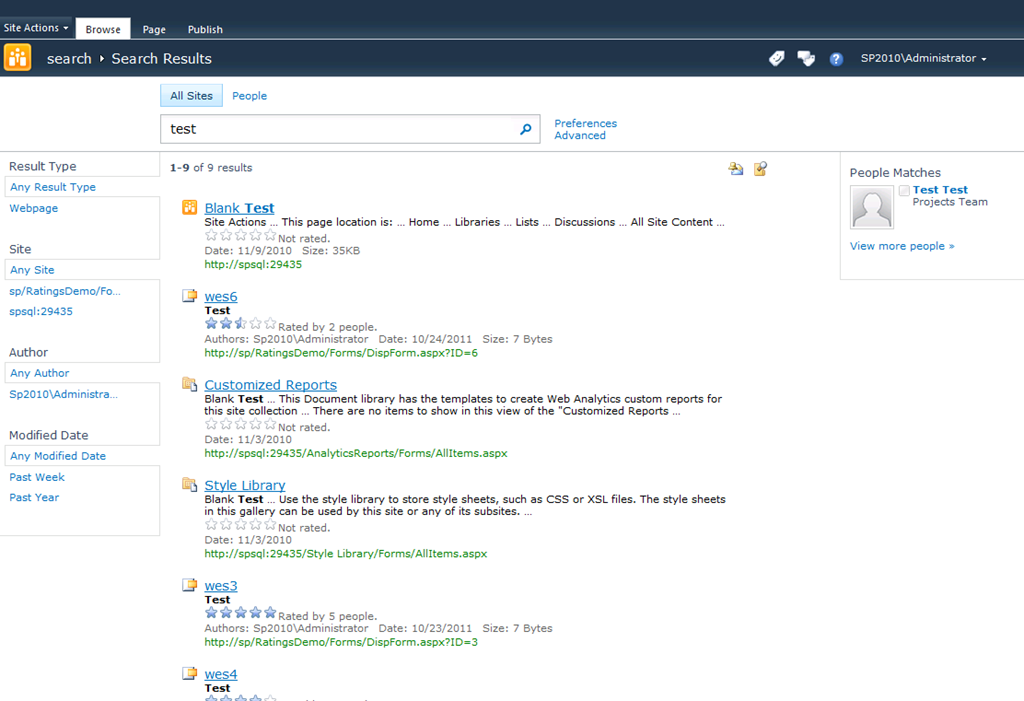
Ratings and SharePoint Search better together
SharePoint 2010 introduces a new feature to allow a user to rate content within the sites. Depicted by five stars the user can rate content and these ratings are collated to provide the average rating for the item. Displaying content based on ratings can assist users...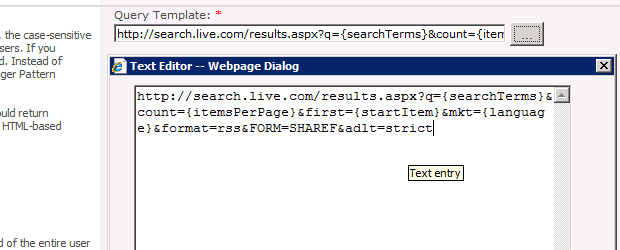
Removing Adult results from Bing Federation
With SharePoint 2010 Bing is pre-configured as a federation source within the Search Service Application. While this is a great time saver for getting internet searches being returned via your search centre is comes with one very obvious omission. Adult themed results...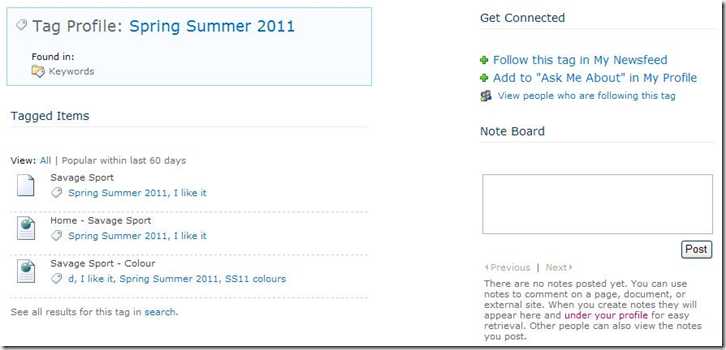
Getting tags to display their profile and search
I experienced a strange problem with a SharePoint 2010 application. The new social features provide a tagging mechanism and these tags have a profile page where you can follow, view and generally find information about the tag. As you can see from the image above the...I work at

SharePoint Server MVP

Speaking

SharePoint StackExchange.com
